Dance Edits Where Every Step Lands on the Beat
Cutting on the beat is half of it. In a dance edit, the steps themselves should hit the music. Onset Engine finds the movements that repeat in your footage and times them to your song: each step, clap or swing lands on a beat.
Movement on the Beat
A dancer's steps rarely match your song's tempo exactly, so even a cut on the beat can leave the steps drifting off it. When a clip has a movement that repeats, Onset Engine plays it a little faster or slower so each one lands on a beat of the song, and places some shots so their clearest movement falls on one.
- ✓ Found for you: Onset Engine looks for repeating movements in the background after it analyzes your videos
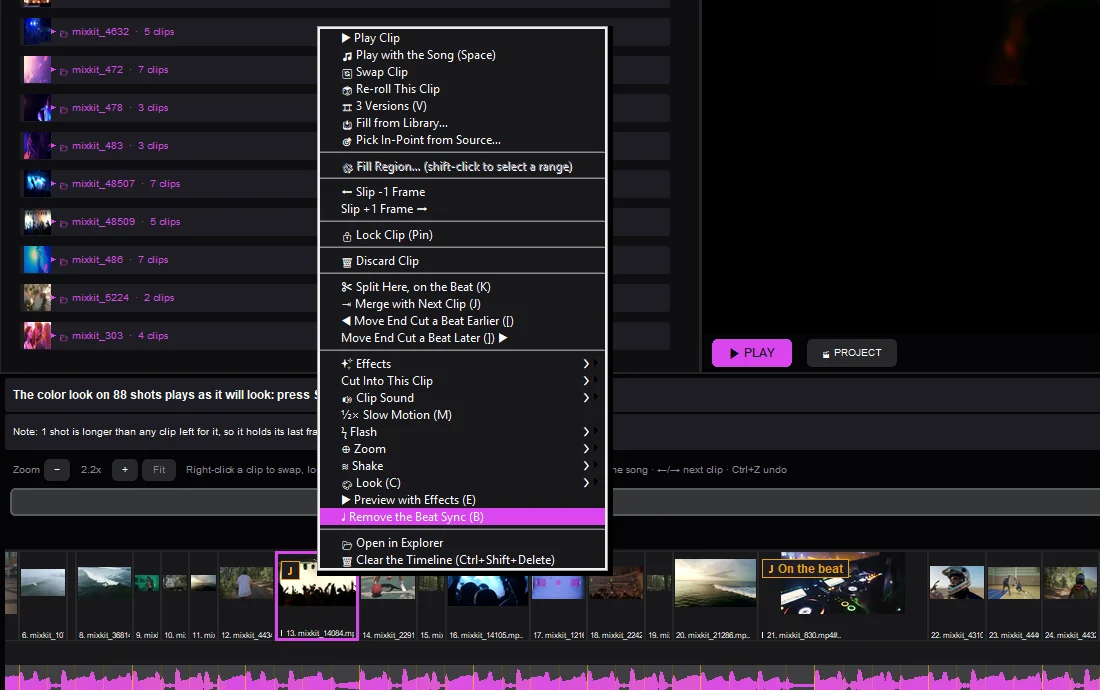
- ✓ Marked: the timeline marks the clips it moved with ♩
- ✓ Your call: ♩ Remove the Beat Sync in a clip's menu, or B, plays it at its own speed
- ✓ Kept on export: Premiere Pro and DaVinci Resolve timelines keep every movement on its beat
The Rest of a Dance Edit, Too
Slow motion on the shots you choose, still cutting on the beat. A flash on every hit in the drop. A pace for each part of the song: calm in the verse, fast in the chorus. Say it in the command bar ("slow mo on the drop") or pick it from the timeline, and Onset Engine keeps it through every Re-cut.
Prefer the clips at their own speed? Untick Movement on the beat in More options (a new video starts from it), or tell the command bar "no speed changes".
How to Make a Dance Edit
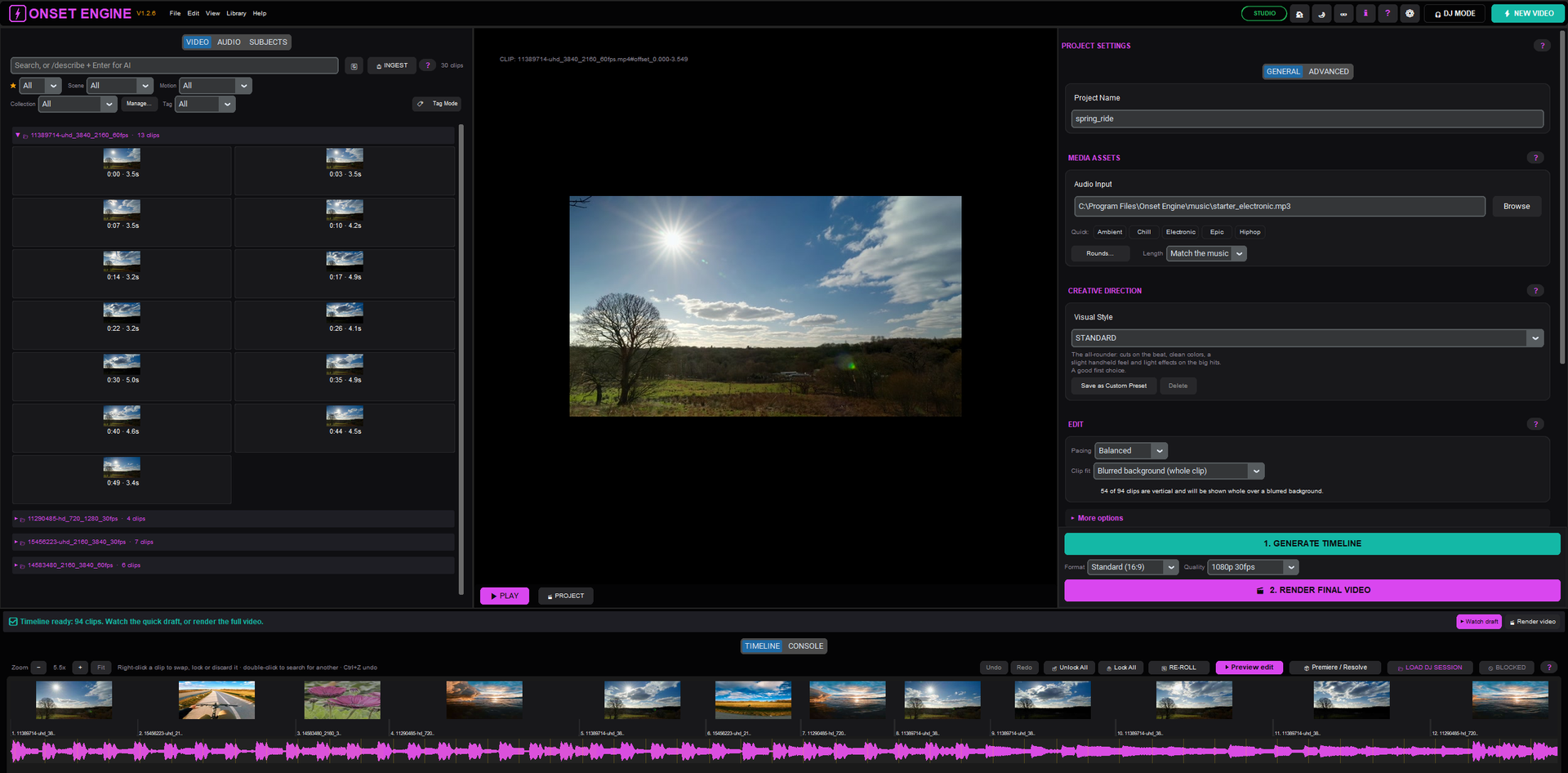
Add Your Clips
Rehearsals, a class, a performance. Each video is analyzed once, on your computer.
Pick a Song
Its beats, bars and drops are found for you.
Make the First Draft
Shots are cut on the beat, and repeating movements are timed to it.
Adjust and Render
Swap, lock or slow any shot, then render up to 4K, or vertical for your phone.
Frequently Asked Questions
How do I sync a dance video to music?
Add your clips and a song to Onset Engine and make a first draft. It cuts every shot on the beat, and when a clip has a movement that repeats, such as a step or a clap, it plays it a little faster or slower so each one lands on a beat. The timeline marks those clips with ♩.
Does it work on every clip?
It works on movements that repeat, which many clips don't have. Clips without one are cut on the beat as usual. Onset Engine looks for them in the background after it analyzes your videos, or right away from Library > Find movement on the beat…
What hardware does it need?
Finding movements that repeat needs an NVIDIA graphics card. Without one, the rest of the edit is cut on the beat as usual.
Can I keep a clip at its own speed?
Yes. Right-click it and choose ♩ Remove the Beat Sync, or select it and press B. To keep every clip at its own speed, untick Movement on the beat, or tell the command bar "no speed changes".
Is it free to try?
The free Demo includes movement on the beat; it renders the first minute at 720p with a watermark. Onset Studio is a one-time purchase of $79 and renders the whole video in up to 4K.
Ready to Try It?
Download the free demo and see the results on your own footage. One-time purchase, no subscriptions.