The AI Tagger That Runs on Your Machine
Auto-tag your entire video library with AI-powered scene types, moods, quality ratings, and semantic search. AI search by meaning works across terabytes of footage - all running locally on your GPU with zero cloud dependency.
The Problem
You have 5TB of video footage across 17 hard drives. Some of it is labeled. Most of it isn't. Finding "that sunset shot from last summer" means opening folders, scrubbing through files, and relying on your memory and filenames that say DSC_0847.MP4.
Cloud solutions like Google Photos or Frame.io require uploading everything. That's weeks of upload time and your footage sitting on someone else's server. Desktop DAMs like Kyno or Silverstack are expensive and don't have AI understanding. Onset Engine auto-tags your entire library locally with visual AI - a better approach.
The Tagging Pipeline
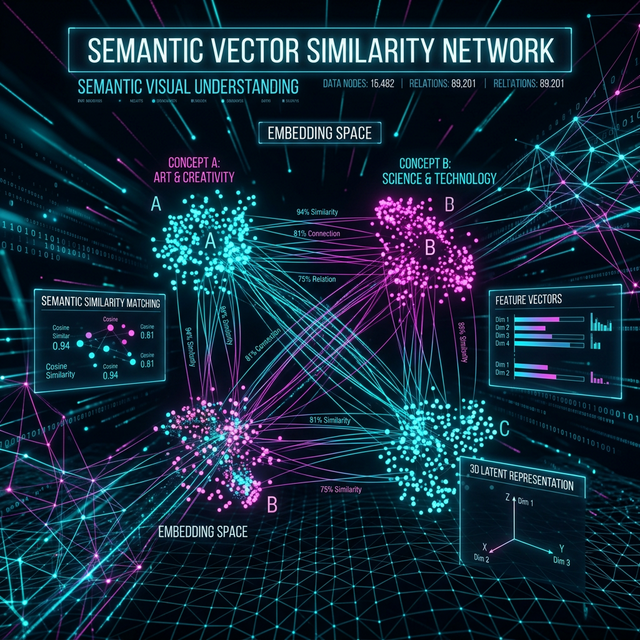
During ingest, Onset Engine runs multiple analysis passes on your footage - all in a single scan. Every clip gets a rich metadata profile stored in a local database on your computer. No manual effort required.
- ✓ AI Fingerprints: A searchable fingerprint of what's in every clip. Enables search by meaning - type "red sports car drifting" and find it instantly
- ✓ Scene Type Classification: Automatic close-up / medium / wide / aerial / POV / slow-motion detection via text descriptions
- ✓ Mood Detection: Epic, melancholic, tense, comedic, romantic, serene - classified per-clip against tuned text descriptions
- ✓ Few-Shot Subject Propagation: Tag 5 clips with a subject name, and the AI finds hundreds more automatically by visual similarity
- ✓ Motion Scoring: Numerical dynamism rating per clip. Filter your library by action level
- ✓ Quality Ratings: 5-star system with persistent storage. Rate during DJ Mode or via right-click in the library browser
Few-Shot Subject Propagation
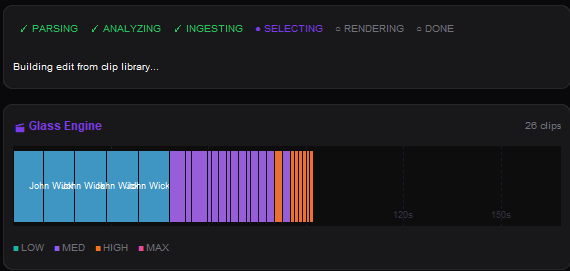
Tag 5 clips as "Goku" and the engine finds the other 800 automatically. It learns what your tagged samples have in common, then scans the entire library for how closely each clip matches. Everything above the threshold is auto-tagged; borderline matches are counted so you know how many clips fell just below the cutoff.
- ✓ 5-Clip Seed: Select 3–10 representative clips → right-click → "Create Tag"
- ✓ Cosine Similarity Scan: The engine finds all visually similar clips across your entire library
- ✓ Threshold Control: Adjustable similarity cutoff (default 0.82). Lower for broader matching, higher for precision
- ✓ @Tag in Drivers: Reference tags in your v3 driver JSON:
"subjects": ["@Goku"]forces that tier to pull from tagged clips
Source Collections
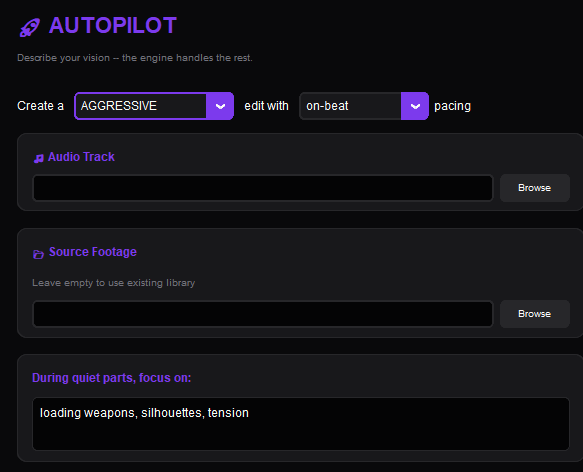
Beyond individual clip tags, Onset Engine supports Source Collections - named subsets of your library. Scope any workflow (renders, DJ Mode, New video) to a specific collection.
Keep your wedding footage separate from your anime library. Run DJ Mode against only your drone collection. Render an AMV using only clips from Season 3. Collections persist in the database and work across renders, DJ sessions, and New video drafts - a complete offline footage-management workflow.
Create a collection in the Library panel, add your source videos, then select it from the Collection dropdown to scope any workflow - renders, DJ sessions, or New video drafts - to that subset.
Frequently Asked Questions
What types of tags does Onset Engine generate automatically?
During ingest, the engine creates a searchable fingerprint of each clip for search by meaning, scene type classifications (close-up, wide, aerial, POV), mood detection (epic, melancholic, tense, serene), motion scores for action level, and quality ratings. All tags are stored in a local database on your computer.
How does few-shot subject tagging work?
Tag 3-10 representative clips with a subject name, and the engine learns what they have in common. It then scans your entire library for how closely each clip matches, automatically tagging all visually similar clips. You can adjust the similarity threshold for broader or narrower matching.
Does the AI tagging require uploading footage to the cloud?
No. All AI analysis runs locally on your GPU using its visual AI. Your footage never leaves your machine. There are no cloud uploads, no remote processing, and zero telemetry. Once the AI model is on your computer, the entire tagging pipeline works completely offline.
Can I organize tagged clips into separate collections?
Yes. Onset Engine supports Source Collections - named subsets of your library. You can scope any workflow (renders, DJ sessions, New video drafts) to a specific collection, keeping different projects or footage types organized independently.
Ready to Try It?
Download the free demo and see the results on your own footage. One-time purchase, no subscriptions.