The AI Tagger That Runs on Your Machine
Auto-tag your entire video library with AI-powered scene types, moods, quality ratings, and semantic search. CLIP embeddings enable semantic search across terabytes of footage — all running locally on your GPU with zero cloud dependency.
The Problem
You have 5TB of video footage across 17 hard drives. Some of it is labeled. Most of it isn't. Finding "that sunset shot from last summer" means opening folders, scrubbing through files, and relying on your memory and filenames that say DSC_0847.MP4.
Cloud solutions like Google Photos or Frame.io require uploading everything. That's weeks of upload time and your footage sitting on someone else's server. Desktop DAMs like Kyno or Silverstack are expensive and don't have AI understanding.
The Tagging Pipeline
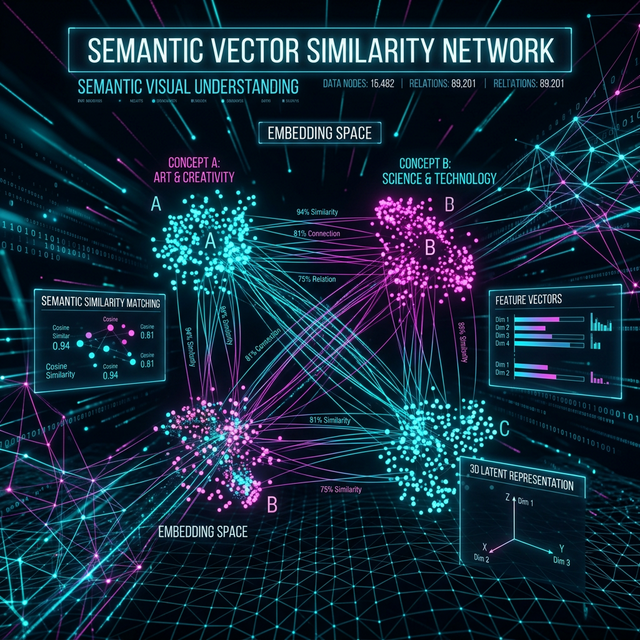
During ingest, Onset Engine runs multiple analysis passes on your footage — all in a single scan. Every clip gets a rich metadata profile stored in the local SQLite database. No manual effort required.
- ✓ CLIP Embeddings: 768-dim vectors for every clip. Enables semantic search — type "red sports car drifting" and find it instantly
- ✓ Scene Type Classification: Automatic close-up / medium / wide / aerial / POV / slow-motion detection via CLIP text queries
- ✓ Mood Detection: Epic, melancholic, tense, comedic, romantic, serene — classified per-clip using optimized text embeddings
- ✓ Few-Shot Subject Propagation: Tag 5 clips with a subject name, and the AI finds hundreds more automatically using CLIP similarity
- ✓ Motion Scoring: Numerical dynamism rating per clip. Filter your library by action level
- ✓ Quality Ratings: 5-star system with persistent storage. Rate during DJ Mode or via right-click in the library browser
Few-Shot Subject Propagation
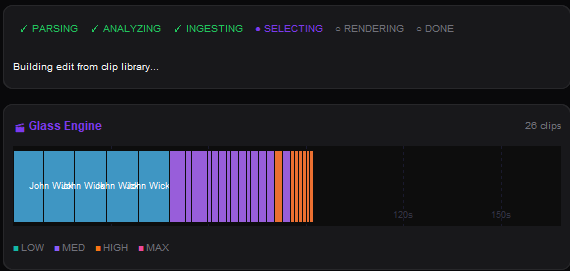
Tag 5 clips as "Goku" and the engine finds the other 800 automatically. It computes the mean embedding of your tagged samples, then scans the entire library by cosine similarity. Everything above the threshold is auto-tagged; borderline matches are counted so you know how many clips fell just below the cutoff.
- ✓ 5-Clip Seed: Select 3–10 representative clips → right-click → "Create Tag"
- ✓ Cosine Similarity Scan: The engine finds all visually similar clips across your entire library
- ✓ Threshold Control: Adjustable similarity cutoff (default 0.82). Lower for broader matching, higher for precision
- ✓ @Tag in Drivers: Reference tags in your v3 driver JSON:
"subjects": ["@Goku"]forces that tier to pull from tagged clips
Source Collections
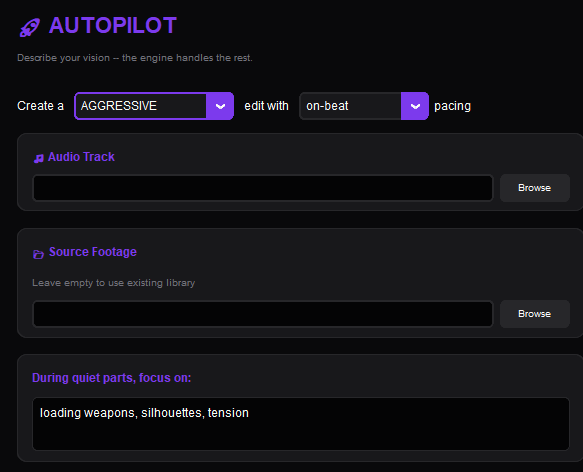
Beyond individual clip tags, Onset Engine supports Source Collections — named subsets of your library. Scope any pipeline (render, DJ, autopilot) to a specific collection.
Keep your wedding footage separate from your anime library. Run DJ Mode against only your drone collection. Render an AMV using only clips from Season 3. Collections persist in the database and work across renders, DJ sessions, and Autopilot runs.
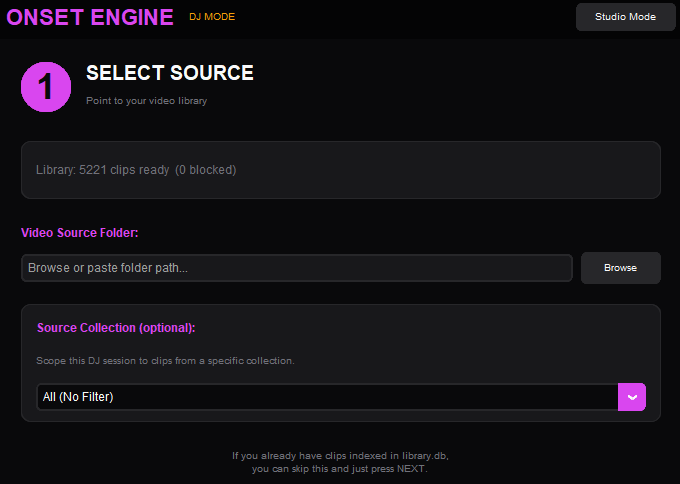
Create a collection in the Library panel, add your source videos, then select it from the Collection dropdown to scope any workflow — renders, DJ sessions, or Autopilot runs — to that subset.
Ready to Try It?
Download the free demo and see the results on your own footage. One-time purchase, no subscriptions.