8 Hours of Convention Floor. 60 Seconds of Pure Cosplay.
You walked the convention floor for 8 hours shooting 120fps slow-mo hall shots. Don't spend a week cutting it. Onset Engine's OpenCLIP vision AI sorts the blurry takes from the epic poses and mathematically snaps the highest-impact moments to your synthwave track. Zero timeline slicing required.
The Problem
Comic-Con was three days. You shot 47GB across 380 clips. Hall cosplays, posing sessions, parking lot meetups, panel cellphone footage, and 200 blurry takes where someone crossed in front of your lens. The cosplayer's followers want the edit this weekend.
You open Premiere. You scrub. You find 40 usable clips out of 380. You cut each one to a synthwave track by hand, keyframing slow-mo speed ramps to land on beats. That's 6–10 hours of editing for a 90-second TikTok. By the time you post it, the convention hype is dead.
OpenCLIP Knows What "Epic" Looks Like
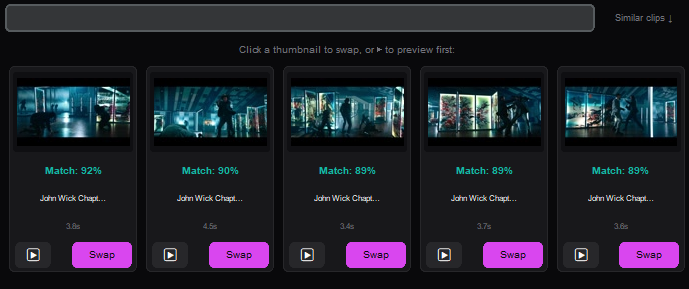
During ingest, Onset Engine runs every frame through OpenCLIP ViT-L/14 on your local GPU. It computes a 768-dimensional vector for each clip — a mathematical fingerprint of what's visually happening.
A cosplayer mid-pose with dramatic lighting? High semantic score for "dramatic cosplay portrait." Someone's elbow blocking your lens? Near zero. The AI already curated your footage before you opened the timeline.
- ✓ Pose Detection: CLIP vectors distinguish "character posing dramatically" from "person walking past a booth"
- ✓ 120fps Slow-Mo Support: High framerate footage ingests natively — no manual conforming
- ✓ Blurry Take Rejection: Low motion score + low semantic confidence = automatically ranked last
- ✓ Beat-Mapped Assembly: Epic poses land on drops. Walking shots fill quiet intros. Mathematically placed
The Workflow
Dump the SD Cards
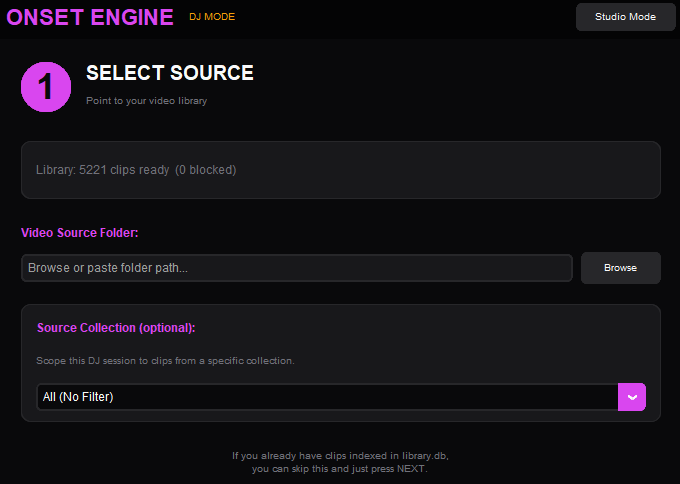
Point Onset Engine at your convention footage folder. Pointer-only mode indexes everything without duplicating 47GB of 4K files.
Drop the Synthwave Track
Load your edit music. Onset Engine maps every beat, energy swell, and drop — building the temporal blueprint for your montage.
STANDARD or PRESTIGE
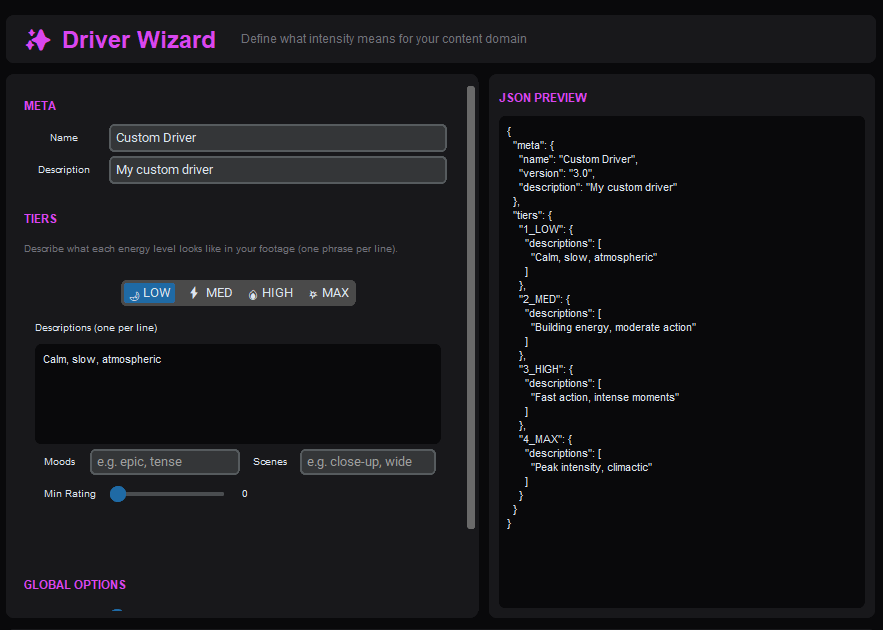
STANDARD for clean TikTok edits. PRESTIGE for cinematic letterboxing with teal-and-orange grading. Your aesthetic, automated.
Post Before the Hype Dies
Render with NVENC hardware encoding. 90 seconds of edit in under 5 minutes. Post while the convention hashtag is still trending.
Why Not CapCut or After Effects?
CapCut's "auto-edit" is template-based — it doesn't understand what's in your footage. It can't tell a dramatic cosplay pose from a blurry hallway pan. After Effects gives you total control, but you're spending 8 hours keyframing speed ramps for a TikTok.
Onset Engine is the middle ground: AI that actually understands visual content (CLIP vectors), combined with beat-precise timing (librosa), running 100% on your local GPU. No upload. No cloud queue. No subscription. And it ships your edit before the convention hashtag dies.
Ready to Try It?
Download the free demo and see the results on your own footage. One-time purchase, no subscriptions.