Turn Podcasts into Vertical Shorts, Automatically
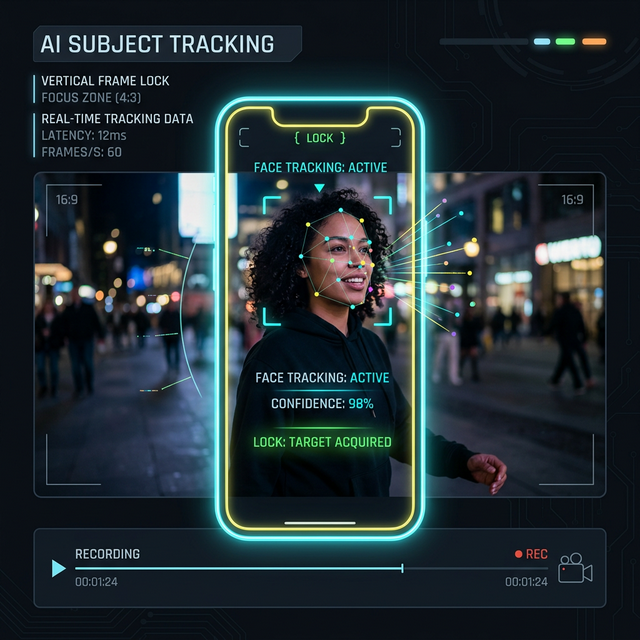
Use Autopilot to generate 60-second vertical teasers. Onset Engine's Smart Crop AI automatically tracks faces, keeping the speaker perfectly centered in 9:16.
The Content Creator's Problem
You record a 90-minute podcast in landscape 16:9. Your agency needs 10 vertical clips for TikTok, Reels, and Shorts by tomorrow. That means manually reframing each clip, tracking the speaker's face, adding subtitles, and cutting to the best moments.
Cloud tools charge per minute of footage. Manual reframing in Premiere takes hours. And none of them understand which moments are actually worth clipping.
How Onset Engine Handles This
Onset Engine's Triptych Mode generates 3-panel side-by-side vertical layouts (1920×1080) from your landscape footage. Combined with Smart Crop face-tracking, the speaker stays perfectly centered in each vertical frame.
- ✓ Face-Aware Smart Crop: AI tracks face position and keeps subjects centered during auto-reframe to 9:16
- ✓ Triptych Export: 3-panel side-by-side for the viral multi-view format on TikTok and Reels
- ✓ Voice Activity Detection: Automatically detects speech segments, so clips always start and end on natural pauses
- ✓ Audio Ducking: Background music lowers during dialogue, rises during transitions
- ✓ Batch Processing: Generate 10 clips from a single podcast in one Autopilot run
The Workflow
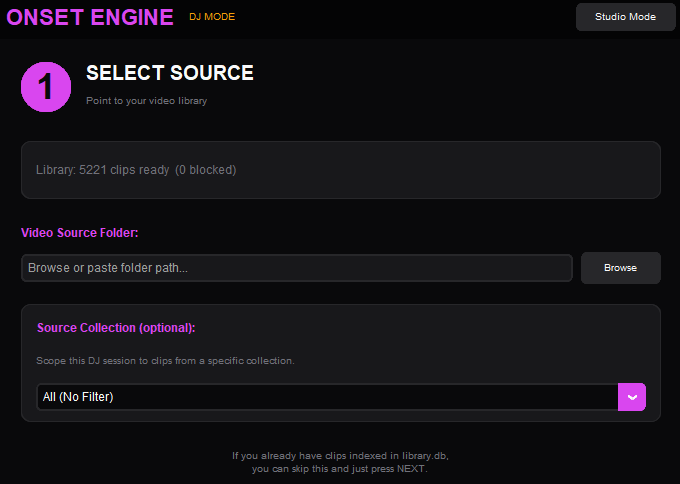
Import Recording
Load your full podcast recording. Onset Engine analyzes every frame for faces, motion, and content semantics.
Add Music
Optional: add a background track. Onset Engine handles audio ducking so speech is always clear.
Select Triptych
Enable Triptych mode for 3-panel vertical output, or render standard 9:16 with Smart Crop.
Export Shorts
Batch export individual clips ready for upload. Or fine-tune the timeline in Studio Mode first.
Privacy First
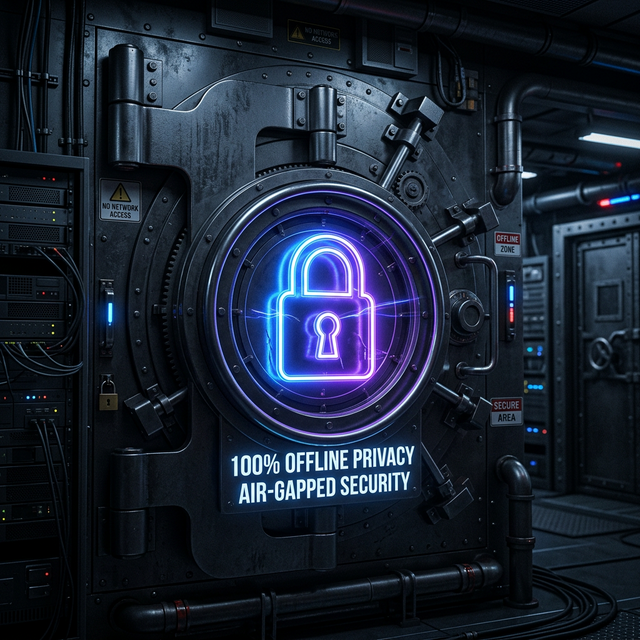
Unlike cloud clipping services that require uploading hours of footage to their servers, Onset Engine processes everything locally on your machine. For podcasters discussing sensitive topics, business meetings, or unreleased content — your footage never leaves your computer.
And because there's no per-minute pricing, you can process unlimited footage for a flat one-time cost.
Ready to Try It?
Download the free demo and see the results on your own footage. One-time purchase, no subscriptions.