Audio-Reactive Live Video Mixing
Plug your laptop into a projector, hit DJ Mode, and watch Onset Engine seamlessly mix your video library to the live room audio in real-time. Hit 'H' for Hype Mode before the drop.
The VJ's Problem
Professional VJ software like Resolume Arena costs $399+, requires complex layer management, and often stutters on mid-range hardware. If you're a live performer, event organizer, or club VJ who just wants to play visuals that react to music, you need something faster and simpler.
You have thousands of video clips. You have a music source. You just need the clips to switch on beat, match energy, and look incredible — without manually coding MIDI triggers.
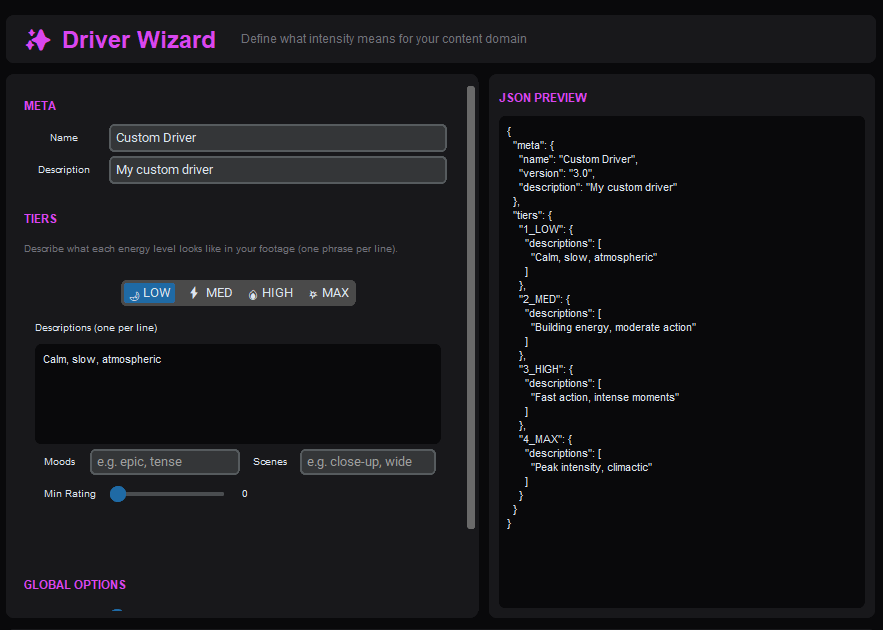
DJ Mode: Zero-Latency Live Mixing
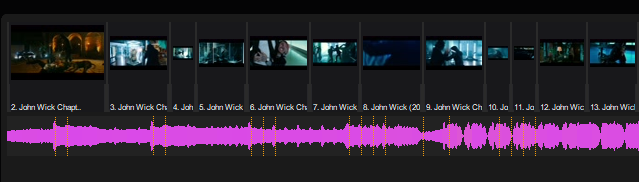
Onset Engine's DJ Mode uses hardware-decoded MPV playback for gapless clip switching. A background conductor thread monitors the music's beat position and queues the next clip before the current beat boundary — ensuring perfectly synchronized transitions every time.
- ✓ Gapless Playback: Hardware-decoded MPV switches clips with zero black frames
- ✓ Beat-Synced: Clips switch precisely on beat boundaries detected by librosa
- ✓ Energy Matching: The AI selects calm clips during intros and high-intensity clips during drops
- ✓ Hype Mode: Press 'H' before a drop to force maximum-intensity clip selection
- ✓ Tier Lock: Press 1–4 to lock the intensity tier for manual override
- ✓ Session Recording: Every set is logged as an EDL for later re-rendering at full quality
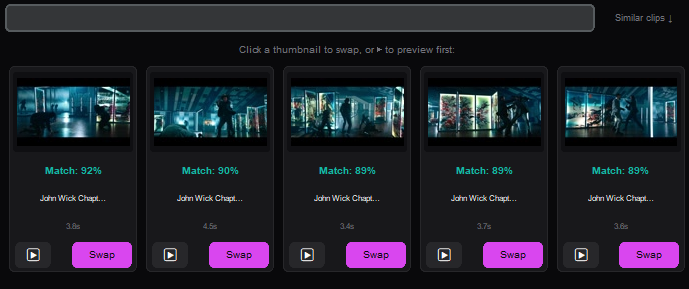
How It Works Live
Load Your Library
Ingest your visual clips. Onset Engine builds a searchable vector database of every scene in your collection.
Choose a Track
Select a music file. Onset Engine detects BPM, beats, and energy automatically.
Go Live
Connect to a projector or second display. Press play. Clips switch on beat, matched to musical energy.
Perform
Use keyboard shortcuts to adjust energy bias, lock tiers, trigger hype mode, or skip clips on the fly.
Why Not Resolume?
Resolume is an incredible tool for professional VJs who need multi-layer compositing, MIDI controller support, and real-time effects chains. But not every performer needs that level of complexity.
If your primary need is "play visuals that react intelligently to music with zero setup", Onset Engine's DJ Mode delivers that experience for a fraction of the cost — with the added bonus of AI scene understanding that Resolume doesn't have.
| Feature | Onset Engine DJ Mode | Resolume Arena |
|---|---|---|
| Price | $59 one-time | $399+ |
| AI Scene Matching | ✓ OpenCLIP | — |
| Setup Time | ~2 minutes | Hours |
| Multi-Layer Compositing | — | ✓ |
| MIDI Controller | — (keyboard) | ✓ |
| Offline / No License Server | ✓ | Requires activation |
Ready to Try It?
Download the free demo and see the results on your own footage. One-time purchase, no subscriptions.